Smart home discovery • Compatibility • Historic pricing • Scores
Loyolo
6.5
1
Brand
Fibaro
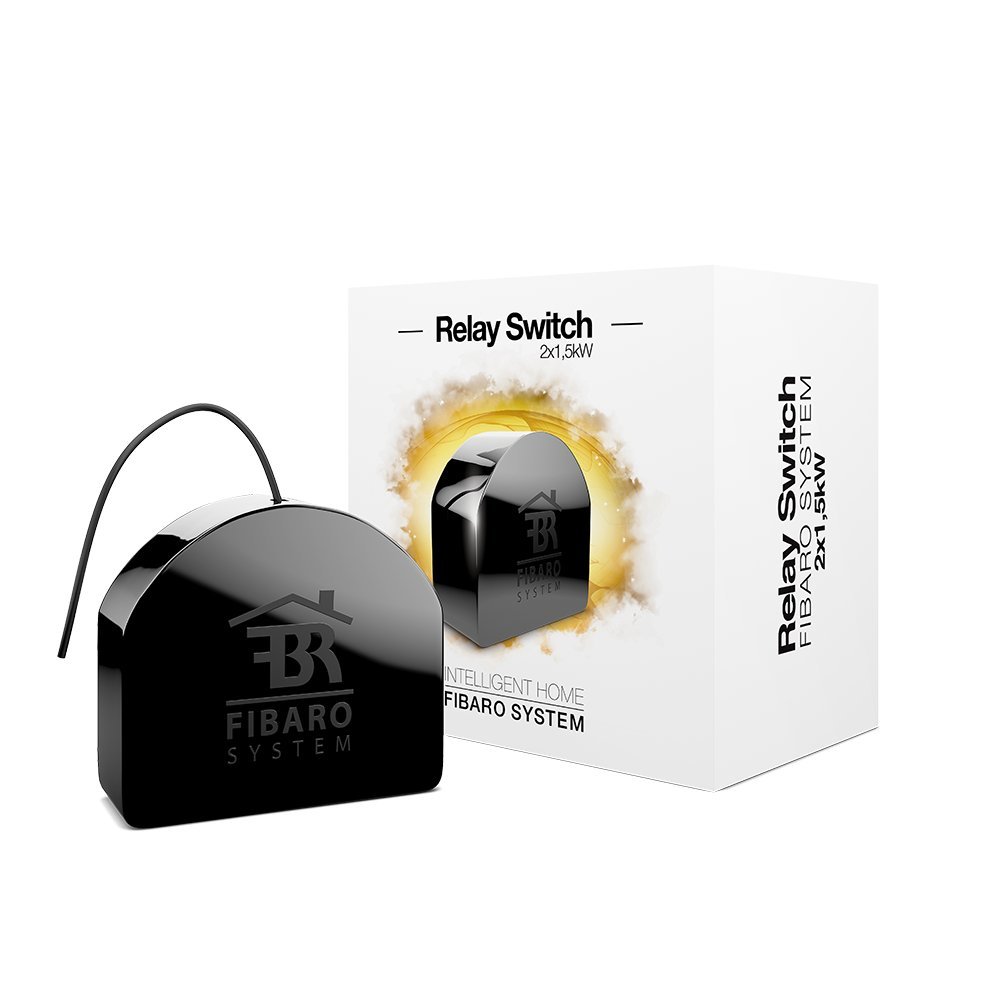
Fibaro FGS-222 Dual Relay Switch
Smart home product.Product Description
Z-Wave Network: Add to Network: Add (include) - Z-Wave device learning mode, to add the device to the existing Z-Wave network. To add the device to the Z-Wave network: Place the device in the direct range of your Z-Wave controller. Identify the switch no. 1 (turns on the light) or the B button (located on the camera body). Set the main controller to add mode (see the controller manual). Quickly, press switch no. 1 or button B Wait for the end of the add process. The successful addition will be confirmed by the Z-Wave controller message. When adding the unit to the network with a switch connected, make sure all contacts on the switch are open (disabled). Otherwise, this will prevent the device from being added / removed to the network. For toggle switches in the default configuration, make six position changes. If there is a problem with an unknown configuration or type of external switch, use the B button to add / remove.
Back to top: Removing the network: Deleting (exclusion) - Z-Wave device learning mode, to remove the device from the existing Z-Wave network. Removing the device from the Z-Wave network restores all device defaults. To remove the device from the Z-Wave network: Place the device within the direct range of your Z-Wave controller Identify switch no. 1 (turns on the light) or the B button (located on the unit casing) Set the main controller to the removal mode (see the controller manual). Quickly, press switch no. 1 or B button Wait for the completion of the removal process The successful removal will be confirmed by the Z-Wave controller message
Box Contains
1x Fibaro FGS-222